Security teams work across cameras, alarms, access records and communication channels. HARTS AI pulls supported events and available evidence into a shared incident view.
Controllers prioritise work, assign tasks and keep an accountable response record without switching between systems. It connects to what you already run, as part of our connected operations platform.
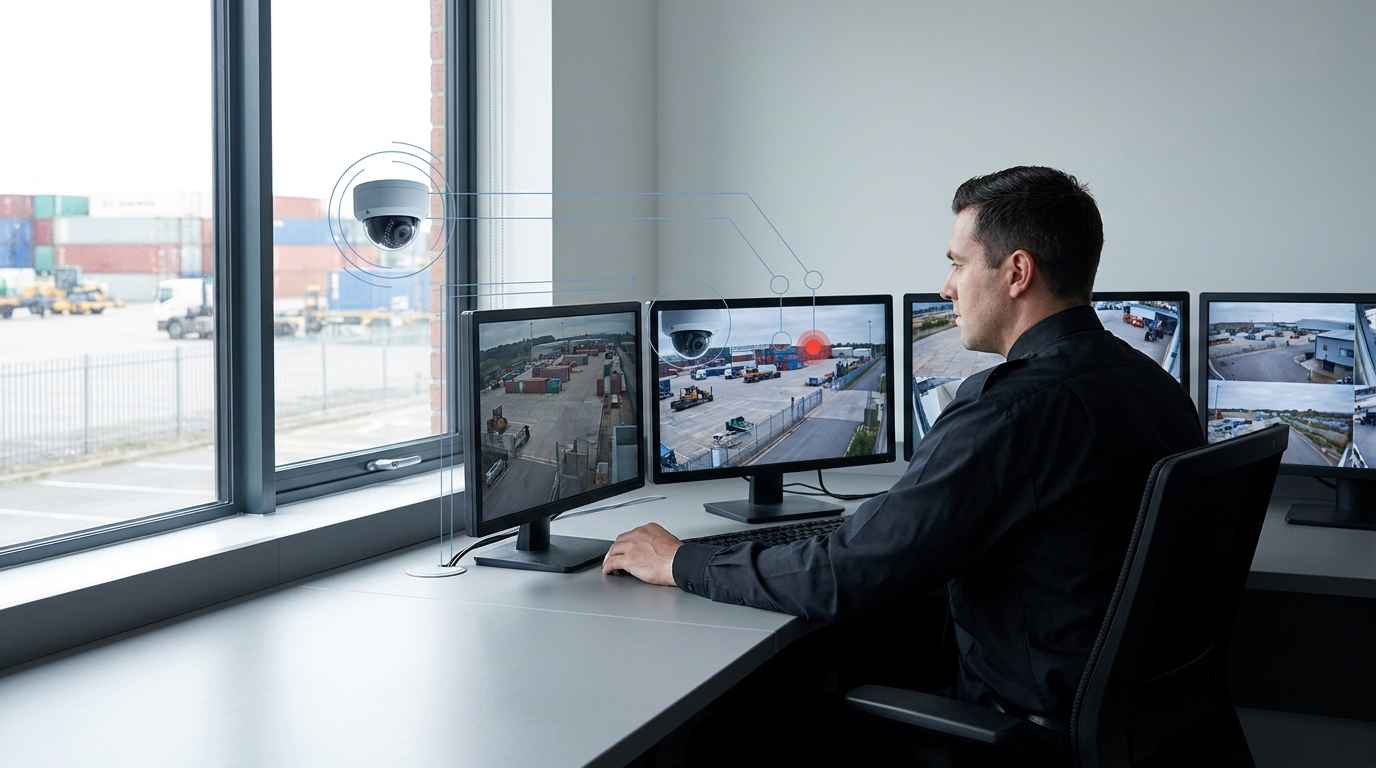
Shared incident view
Alarm, camera and access records in one accountable record.
Routine rules handle the grouping and routing. Decisions that need judgement stay with responsible people.
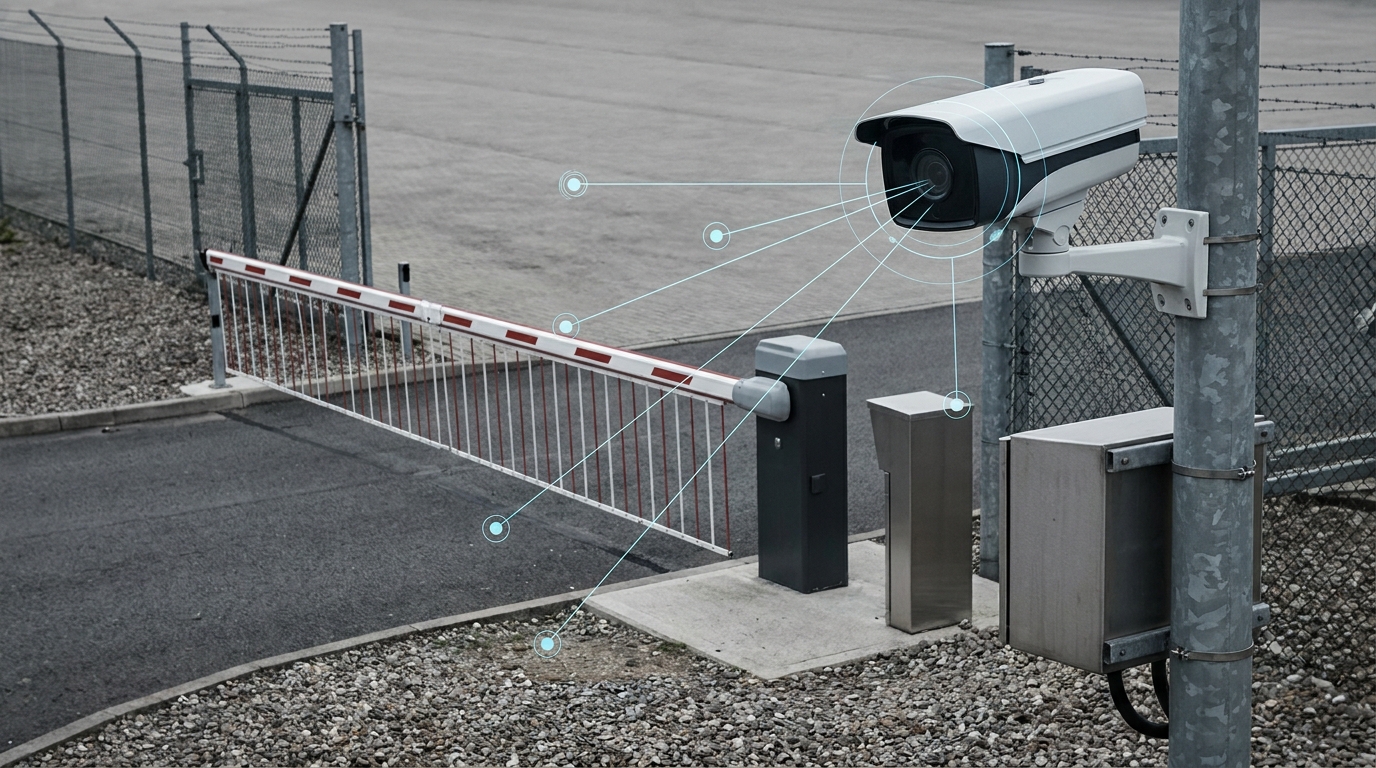
Relate available camera alerts, alarms, access events and location information. Related signals are grouped under configured rules, giving controllers what they need to review the event.
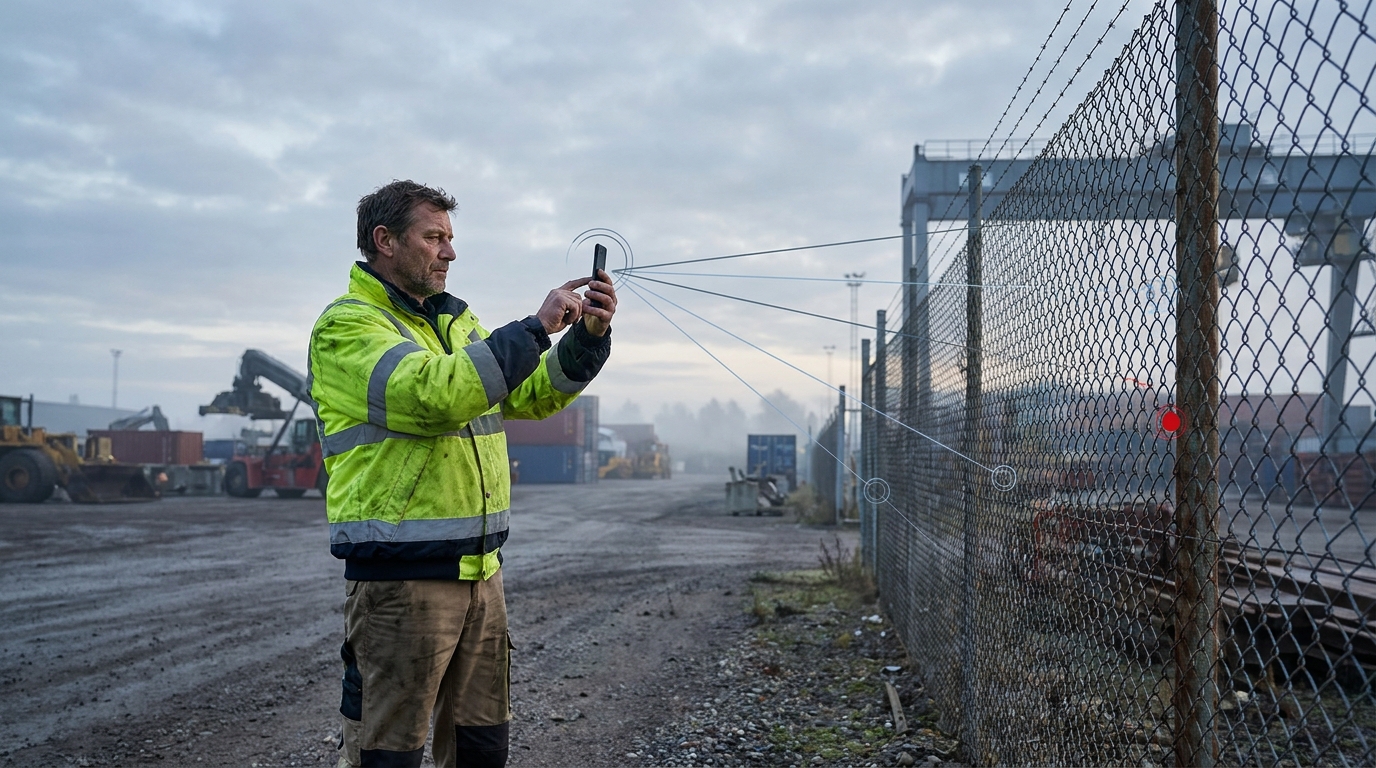
Assign the next task with its context and agreed response steps. Field teams acknowledge, send photographs and return findings through WhatsApp, so communication stays inside the incident record.
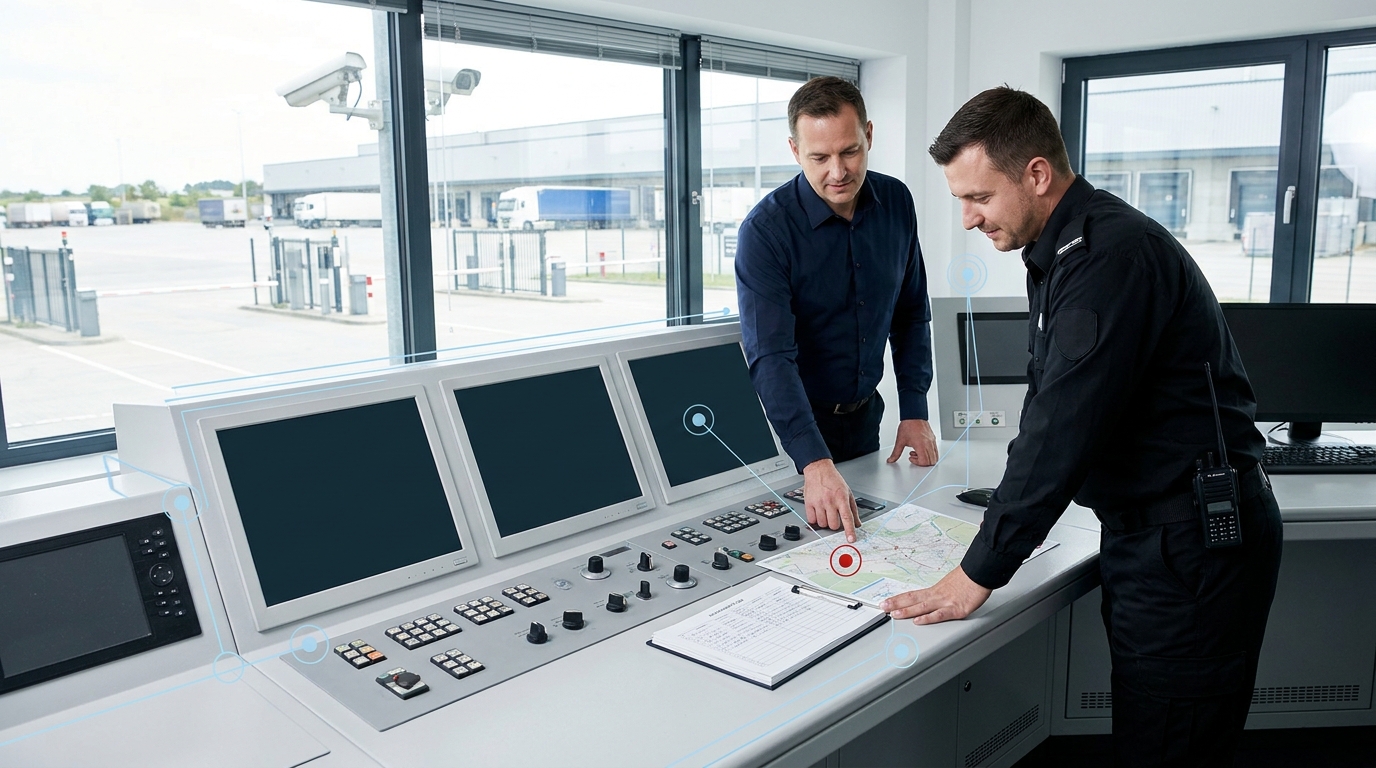
Track acknowledgements, open tasks and completion status in one view. Escalation rules trigger when a response is unanswered or overdue, leaving a clear audit trail for review.
The same pattern applies across sites, from other industries →
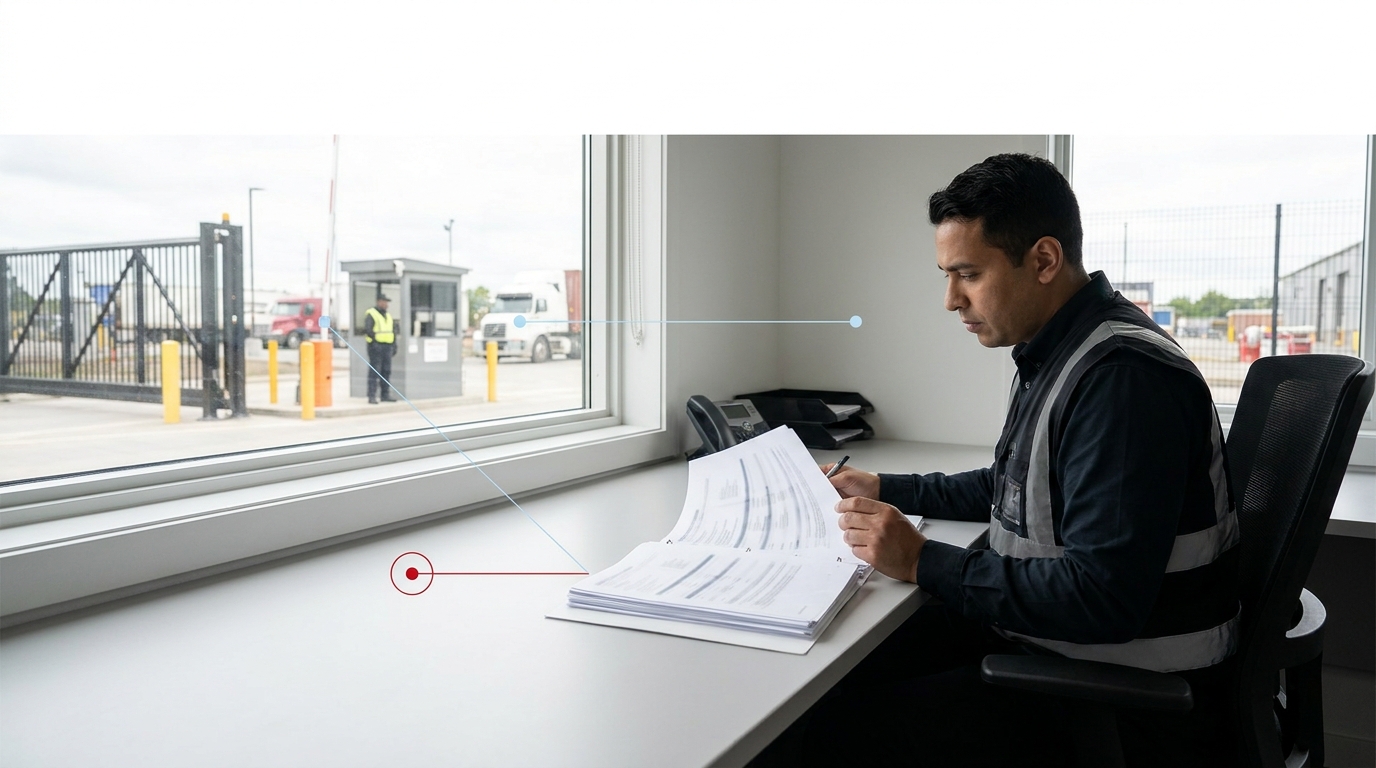
Bring incident activity, response progress and recurring issues into dashboards and reports. For tracked assets and patrols, see HARTS Tracking.
What was raised, grouped and assigned.
Acknowledgements, open tasks and completions.
The timeline and evidence, so managers and authorised clients can review what happened.
Bring the alert type or site that costs your controllers the most time. We scope and validate that one workflow first, using the systems you already run.
Contact us directly at:
mike@harts.africa
+27 83 648 0321